Streamline your fashion design process
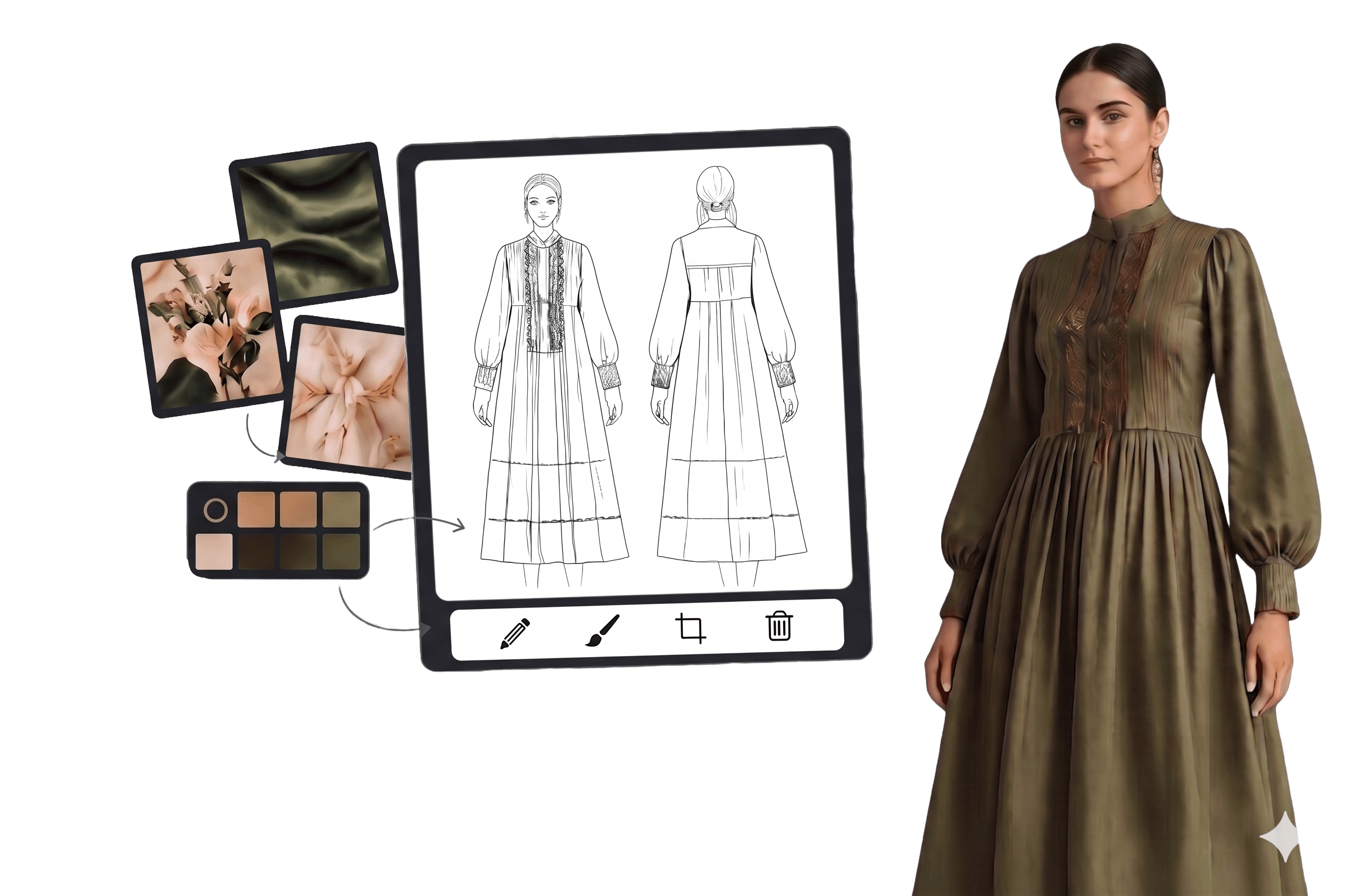
Reduce your Photoshoot cost by 50%
Get from concept to buy faster
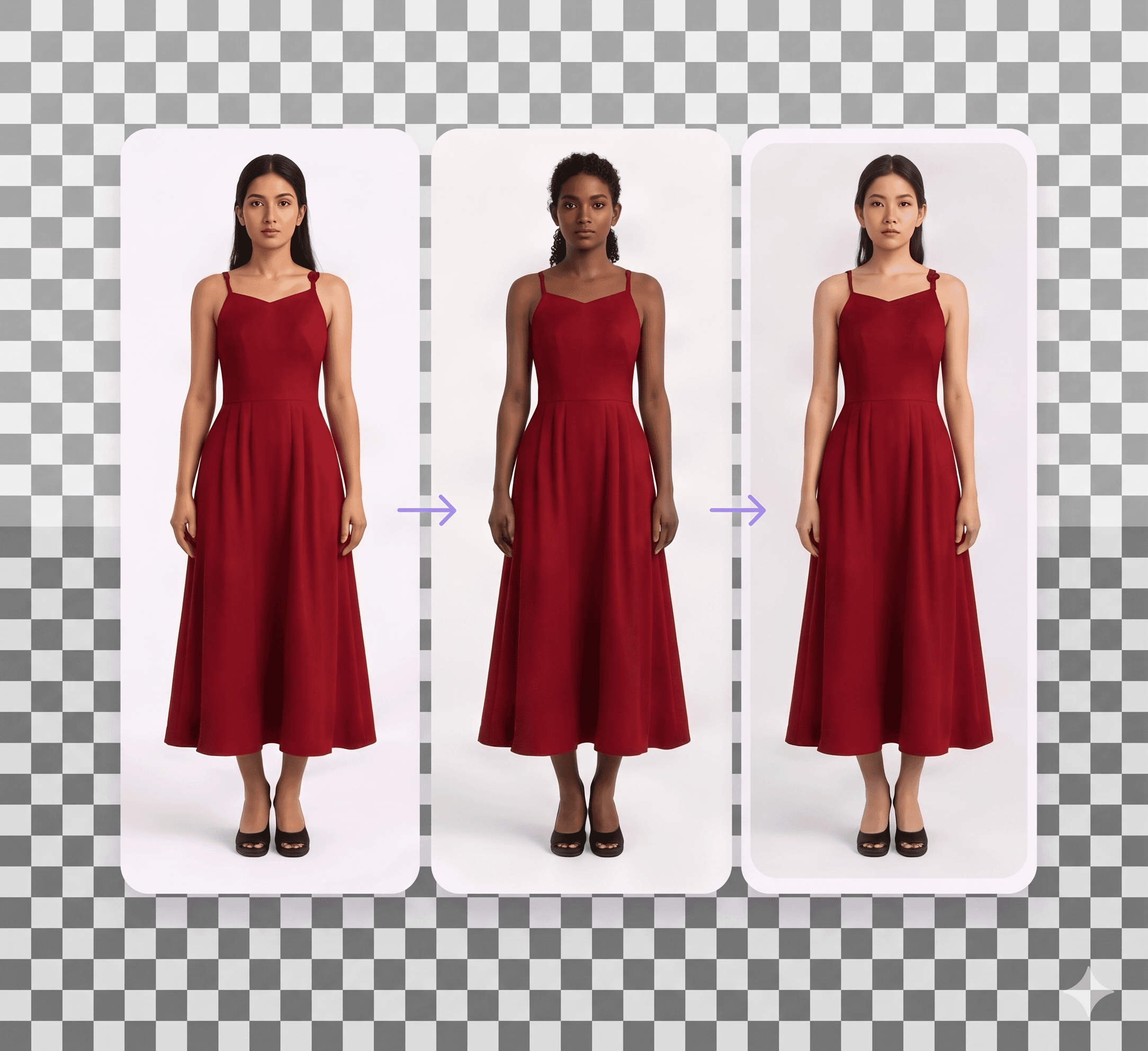
Ship seasonal collections on schedule
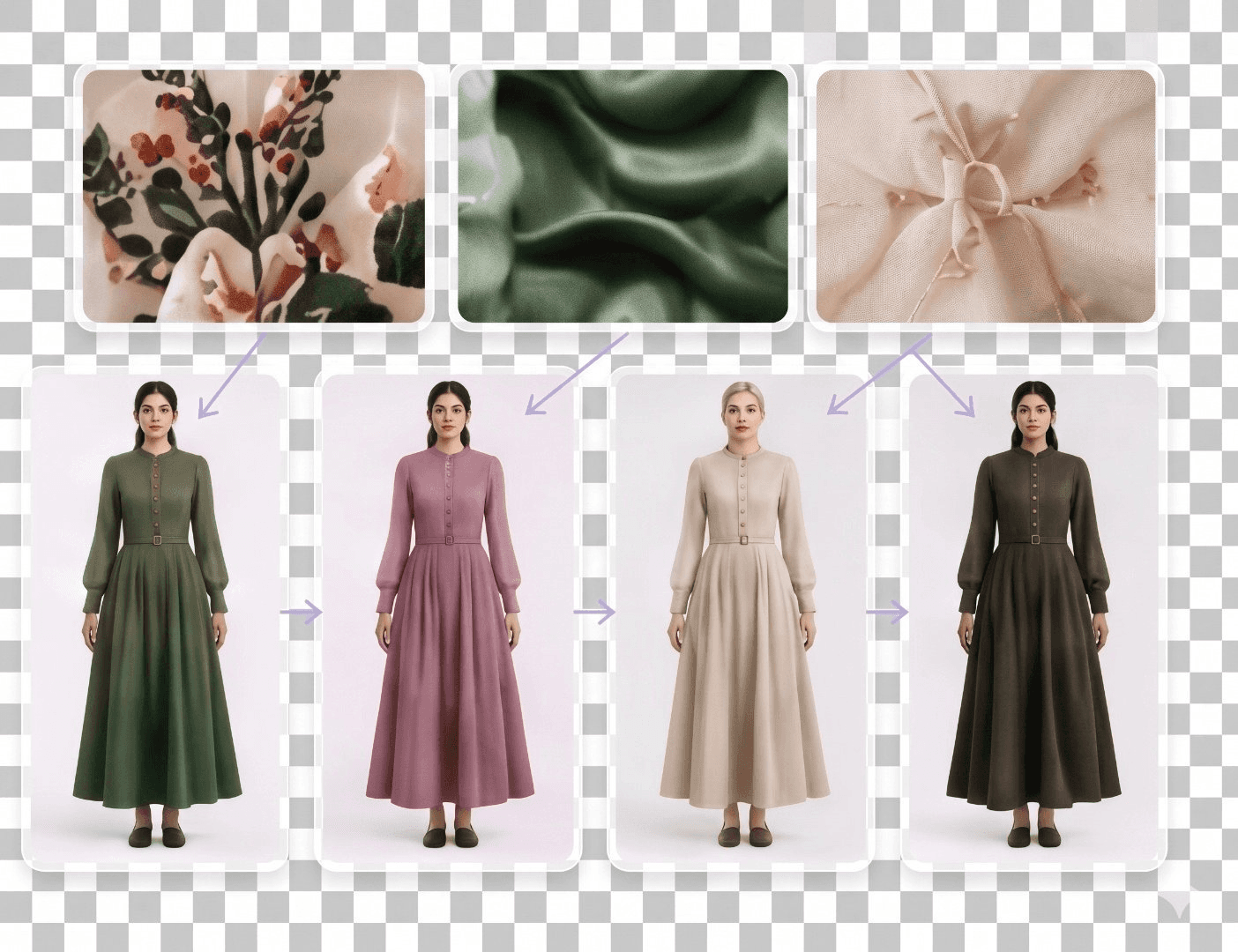
Design tasks, handled beautifully.
AI image editing tasks specifically for Fashion Designers
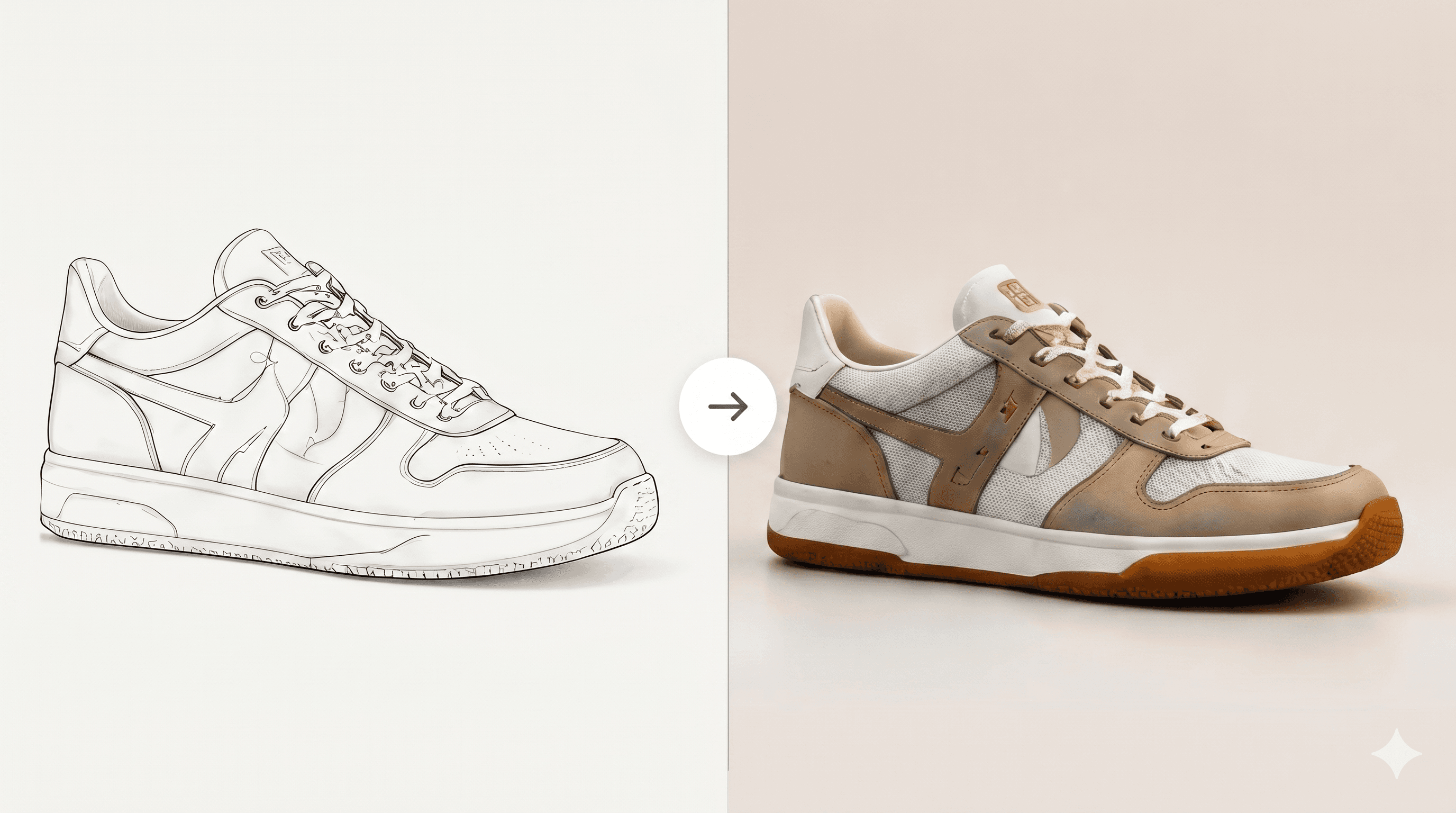
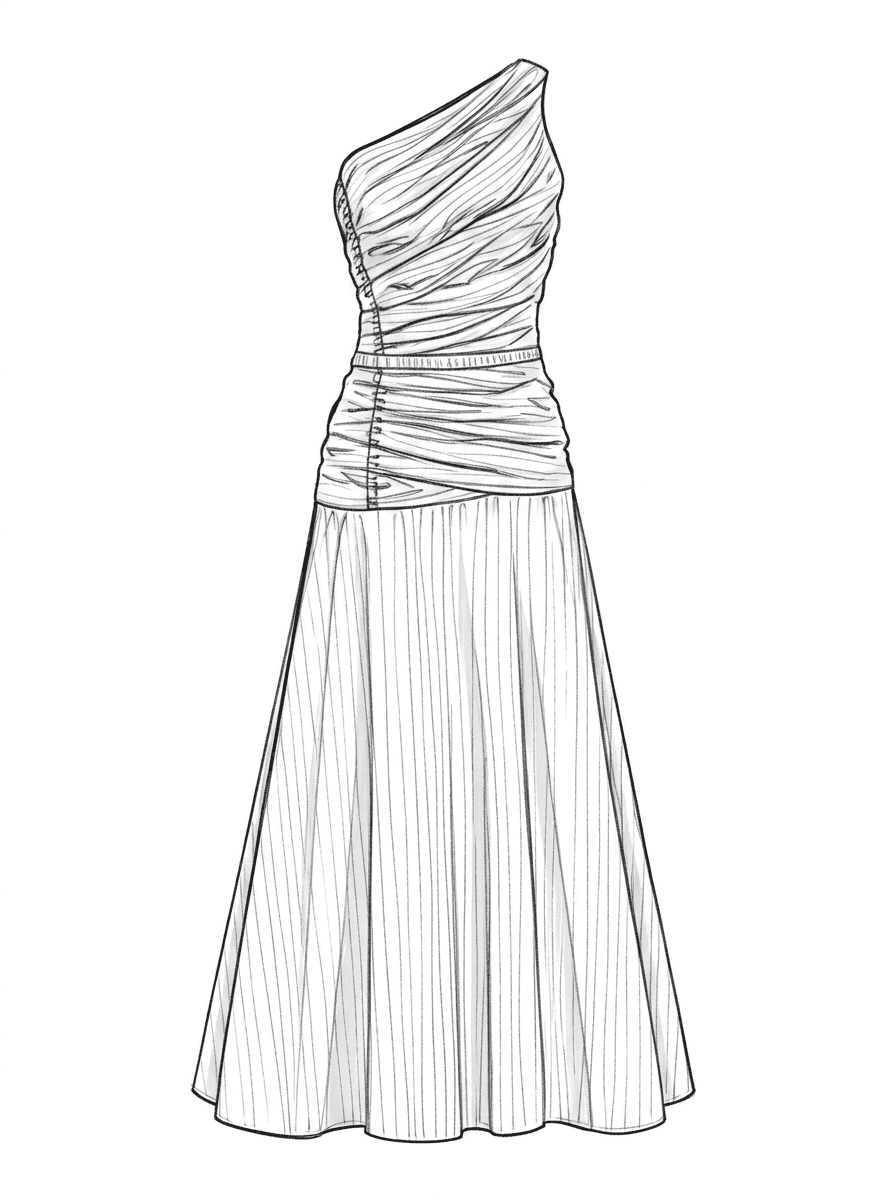
Turn a rough sketch into a photo-realistic render in seconds. No Photoshop required.
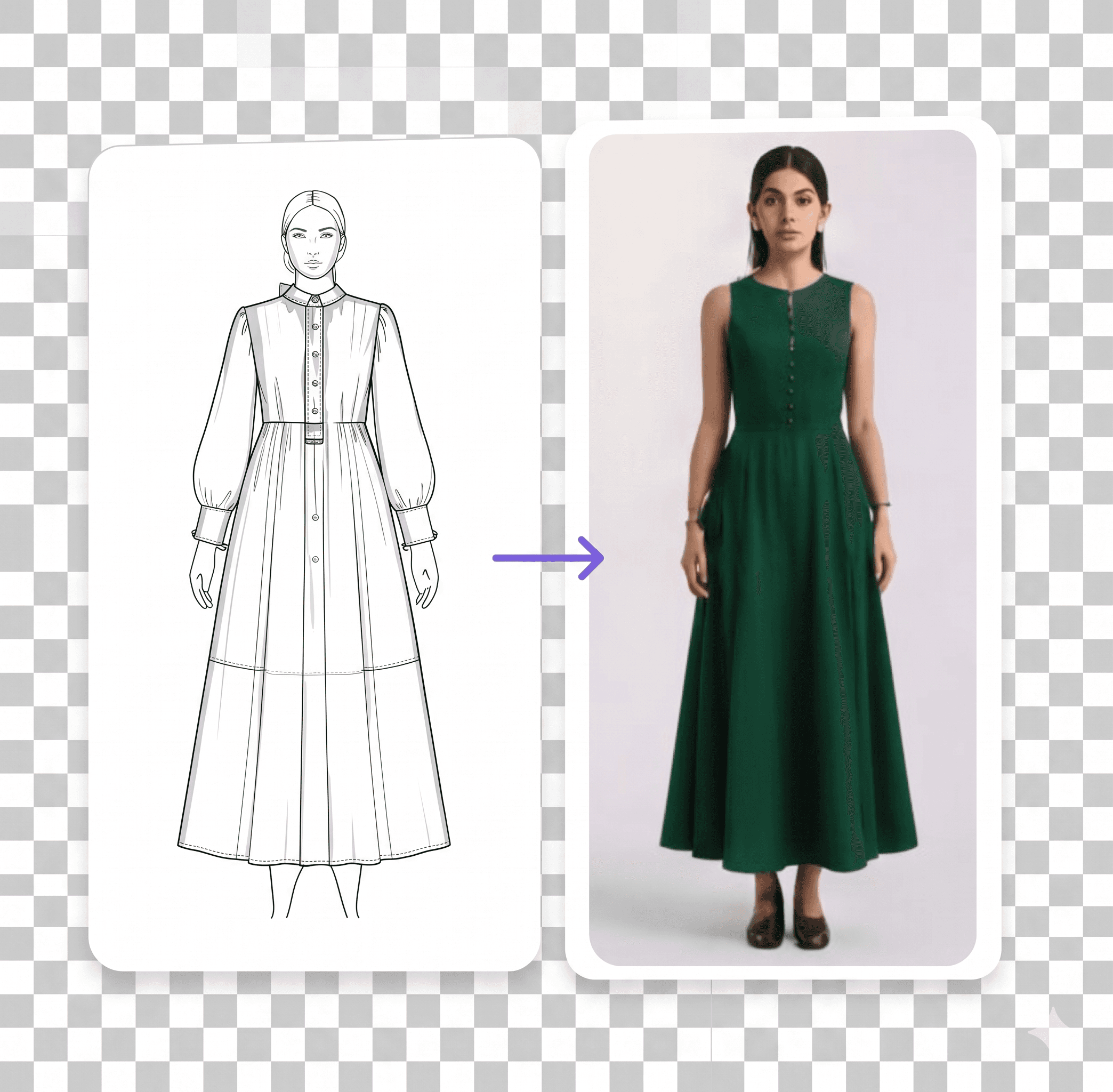
Extract a clean technical flat from any finished render, ready for production handoff.
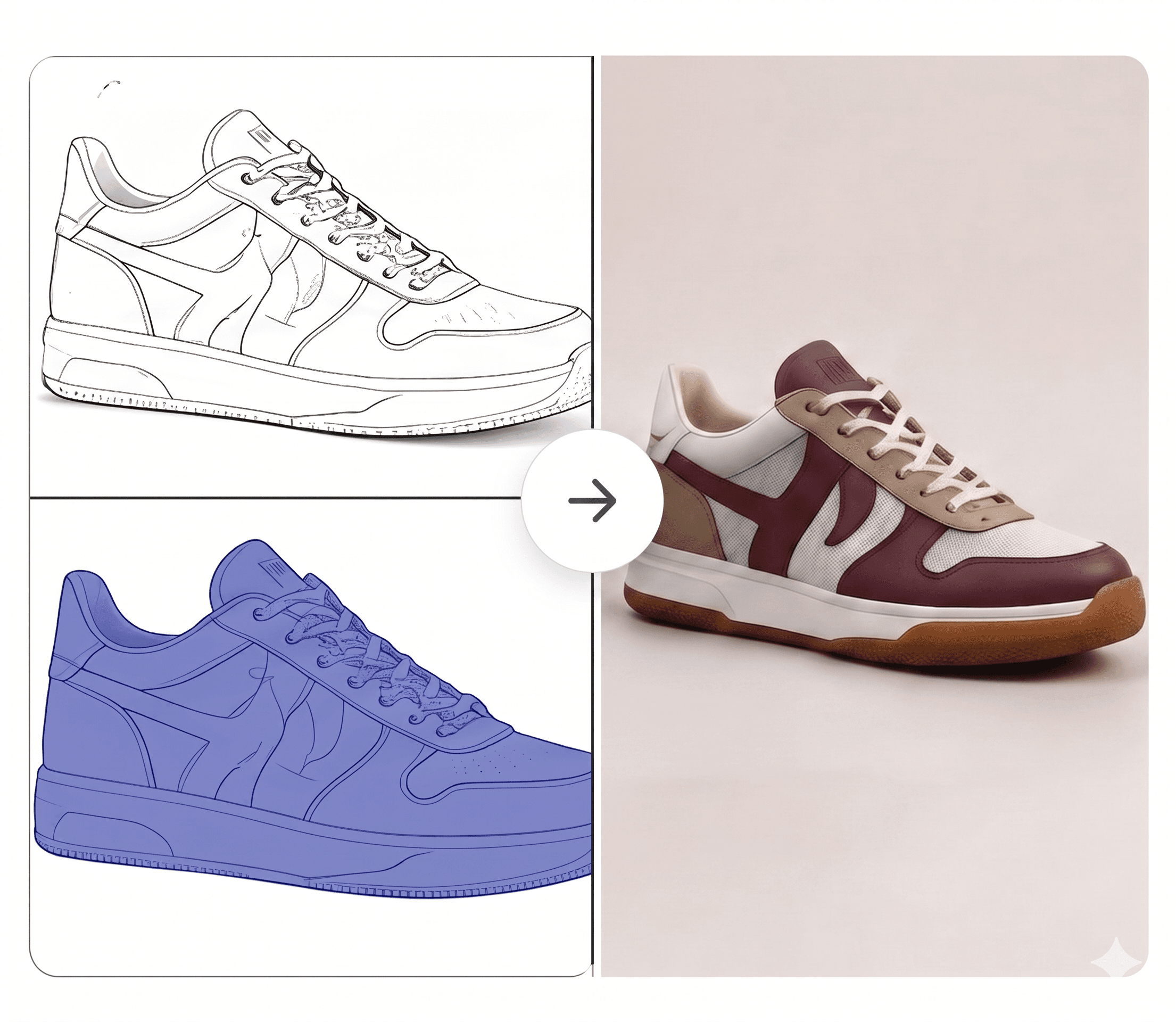
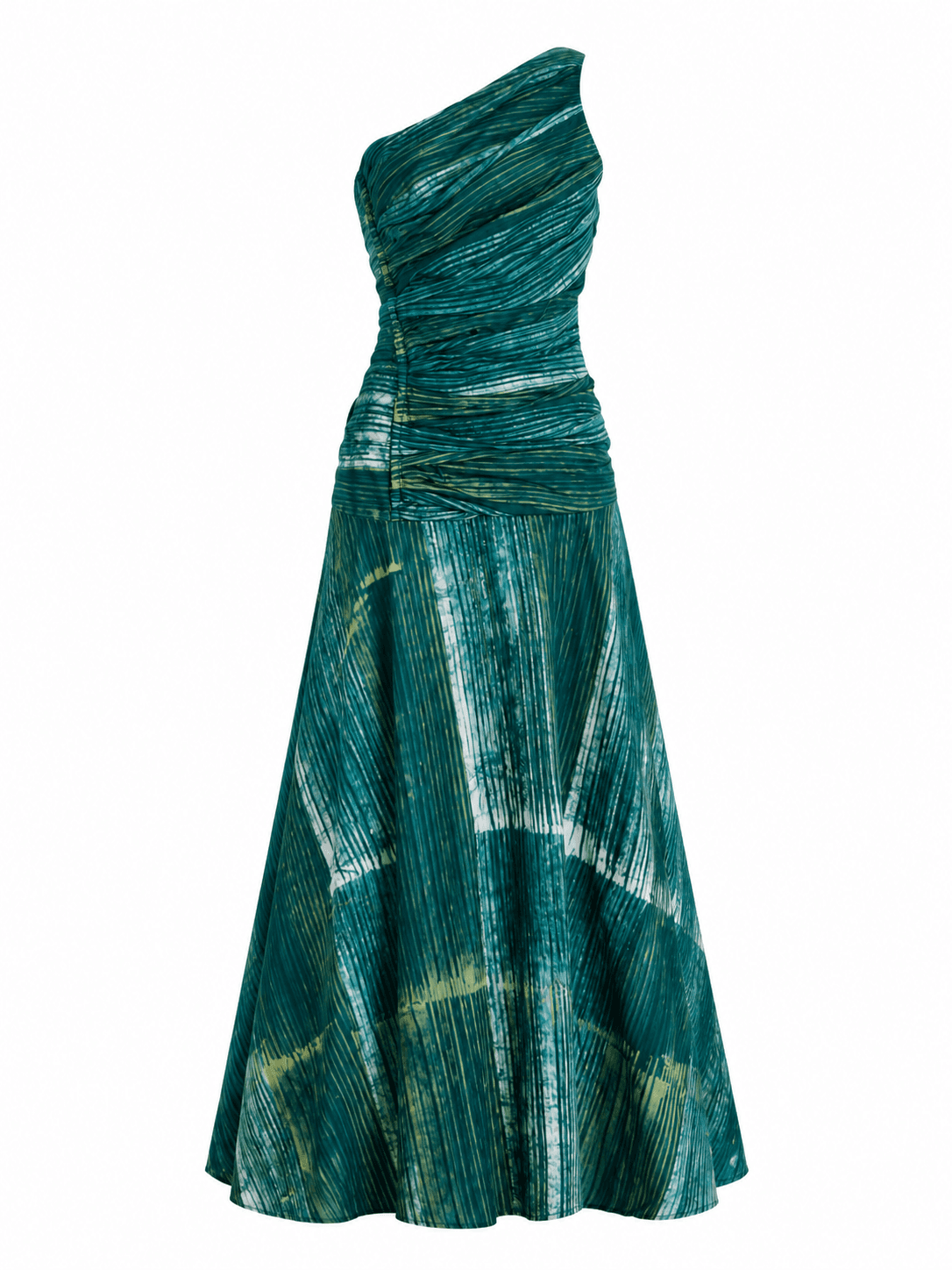
Swap fabrics, change colors, or rework details on any render without starting over.
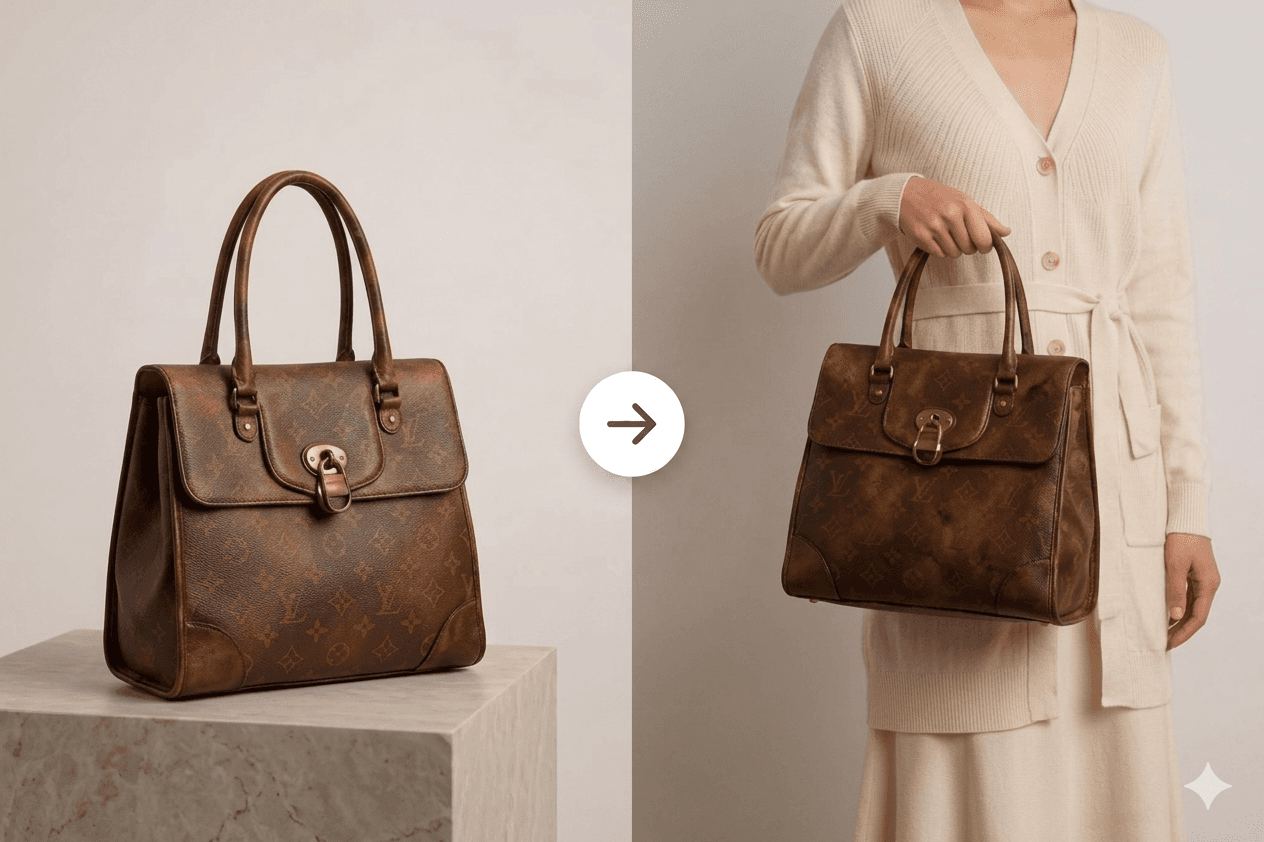
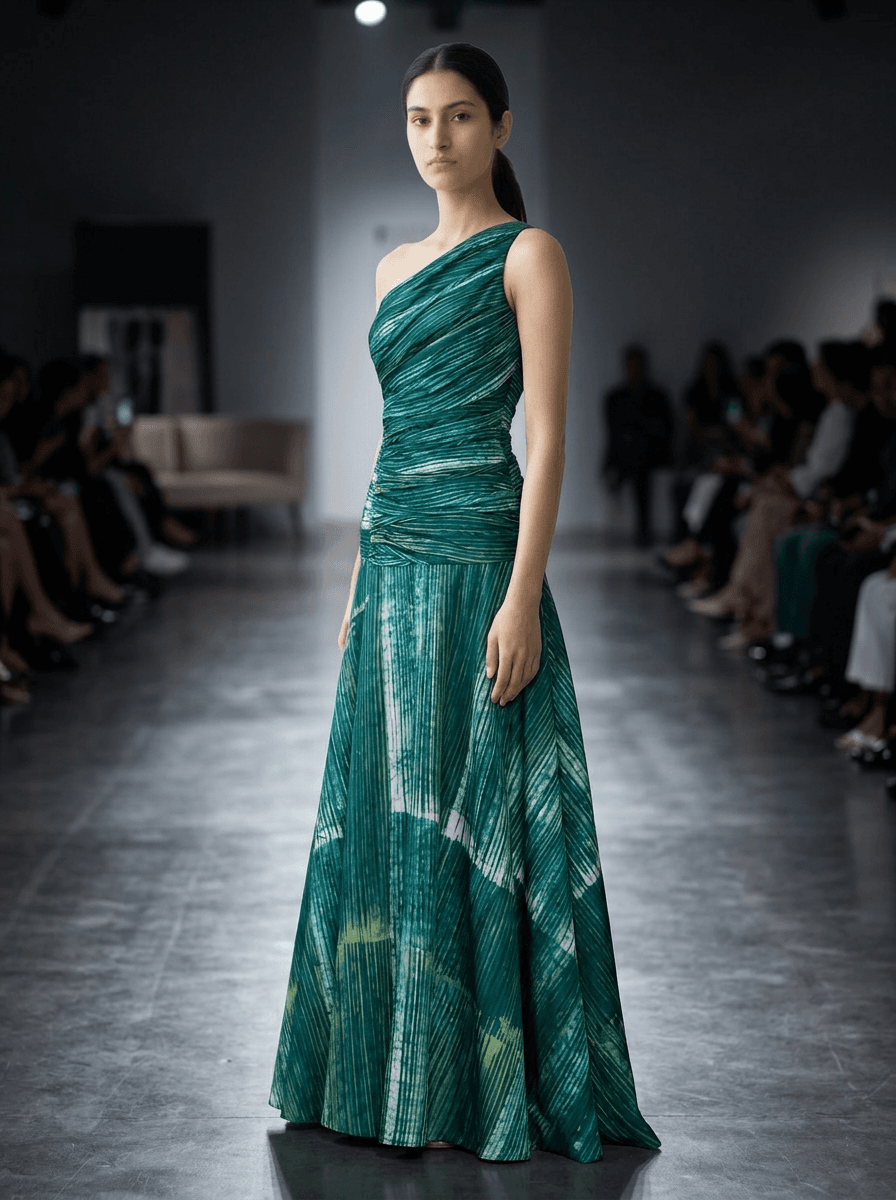
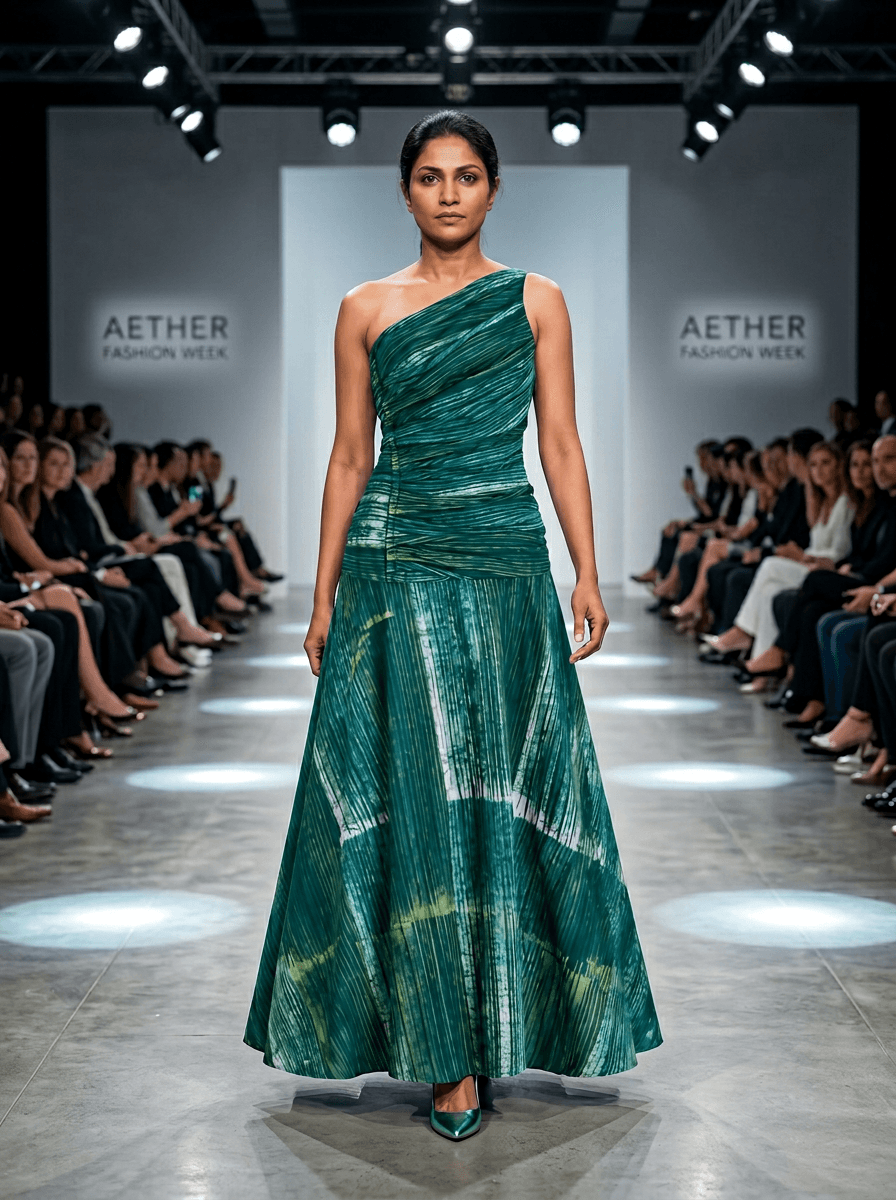
Place any garment on a diverse range of models and body types in one click.
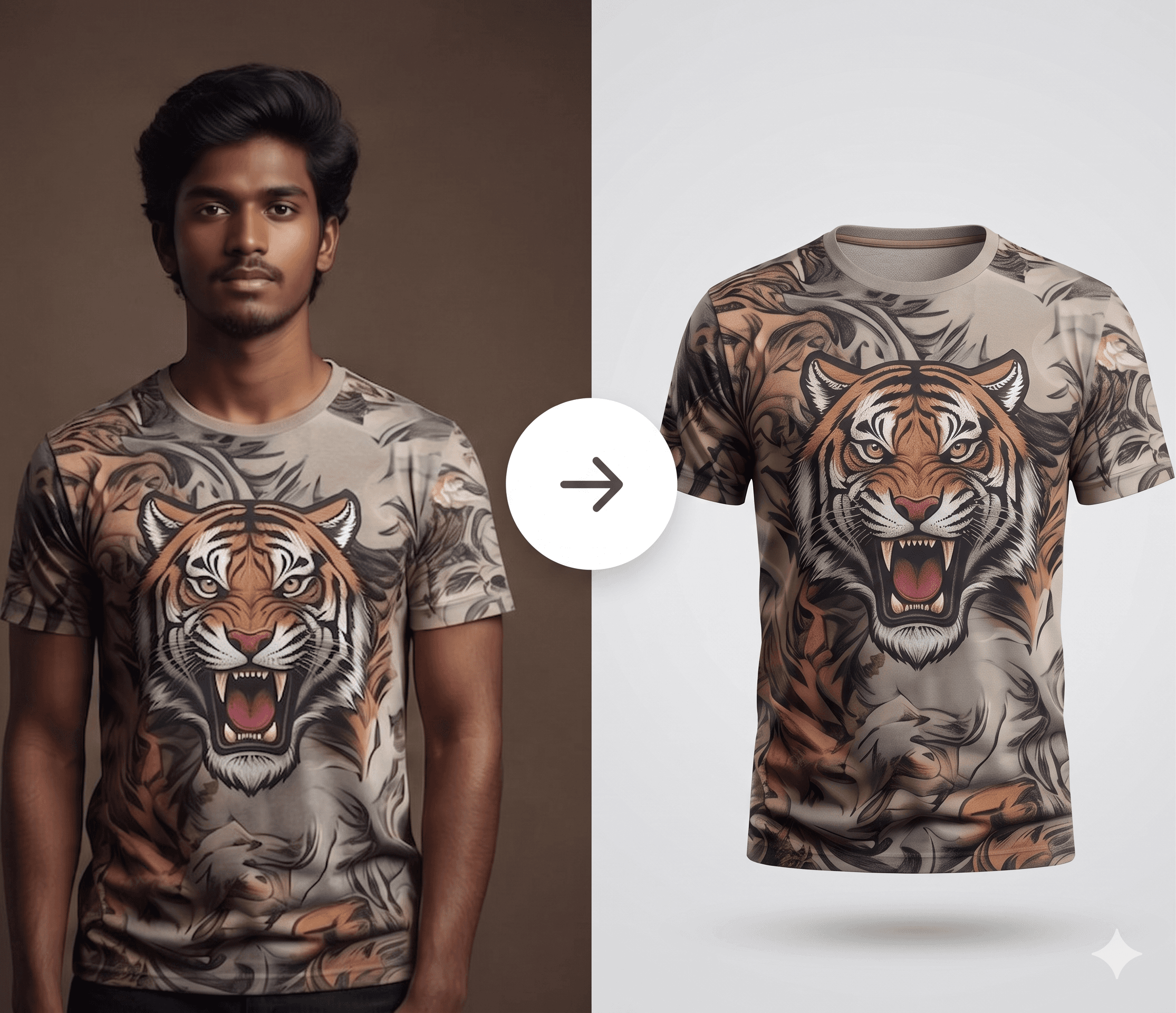
Generate clean ghost-mannequin and flat-lay product shots straight from a render.
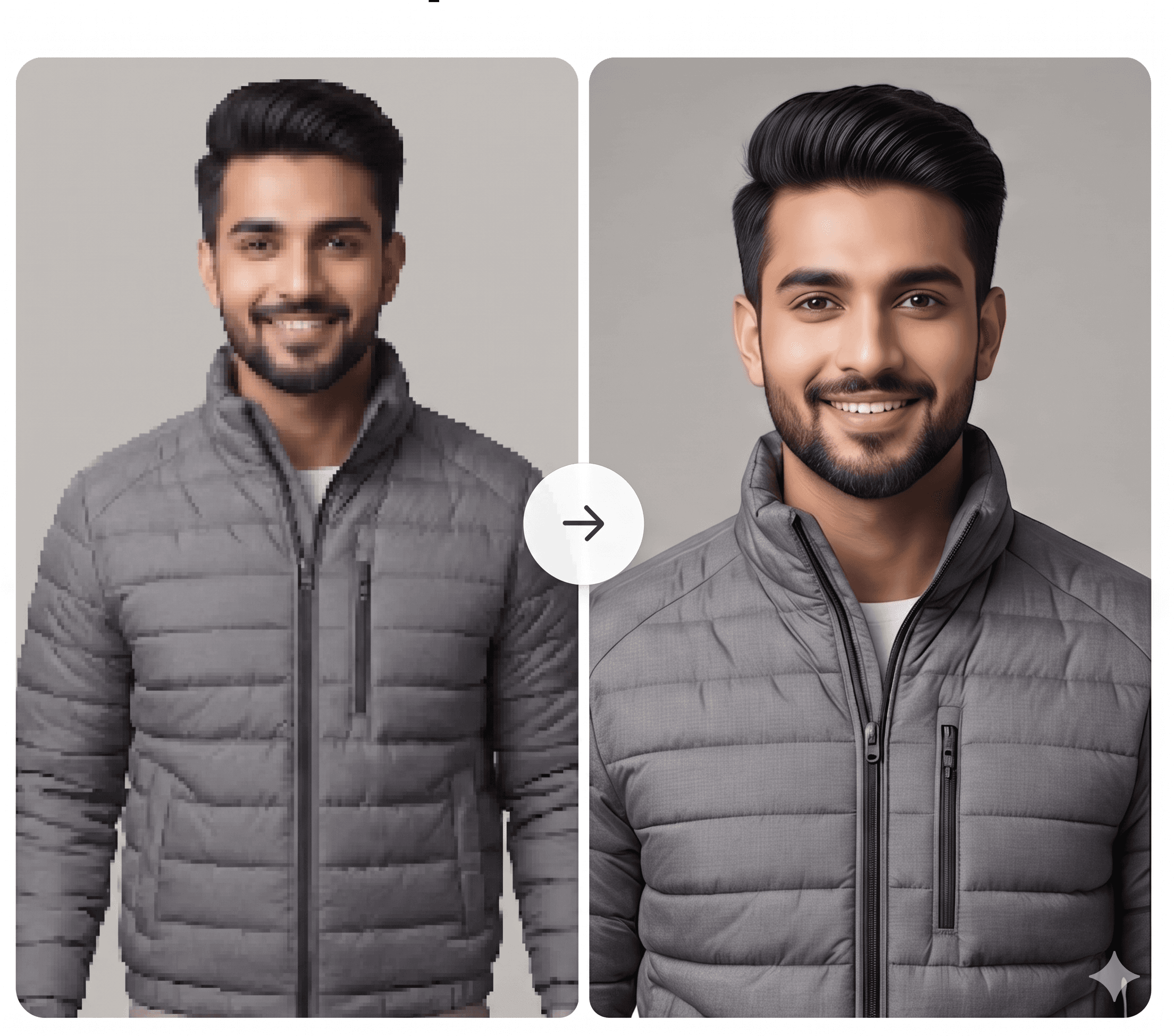
Sharpen resolution and recover fine detail on any AI-generated or scanned image.
Infinite Canvas
Built for Collaborative Teams
Stop hunting across Slack threads, Google Drive folders, and mood boards in five different tabs. Hemline keeps every fabric swatch, reference image, render, and task in one canvas, organized around your collection.
- Infinite canvas with drag-and-drop assets
- Shared collections your whole team can edit in real time
- Every output automatically linked to the project that created it
Everything in One Place
Instantly Searchable
Every fabric swatch, reference image, render, and trim detail lives in your team's shared library, tagged, versioned, and ready to drop into any project in seconds.
- Unified asset library across fabrics, renders, and references
- Smart tagging and search so nothing gets lost
- Reuse assets across collections with version history


Ask. Create. Done.
Meet Hemy, the AI agent built into every Hemline workspace. Tell her what you need in plain words and she handles the rest, from sketch to finished render.
- Chat the way you think. Describe the silhouette, fabric, or mood and Hemy picks up from there.
- Hemy reads context, selects the right tool, and sets parameters without you ever opening a settings panel.
- Every result stays attached to your project so nothing gets lost across tabs or chat threads.
Here's your SS25 summer render! I used the silk chiffon texture with a light coastal palette.
Automate repeatable tasks using Workflow builder
Three simple steps take you from initial concept to collection-ready design.
- Start with a sketch, reference image, or existing product photo.
- Describe the silhouette, fabric, colorway, or finish in plain language.
- Compare render versions side-by-side and keep the strongest direction.